The Waste-Adjusted Markup: Why Your Pricing Strategy Needs a 'Spaghetti' Buffer
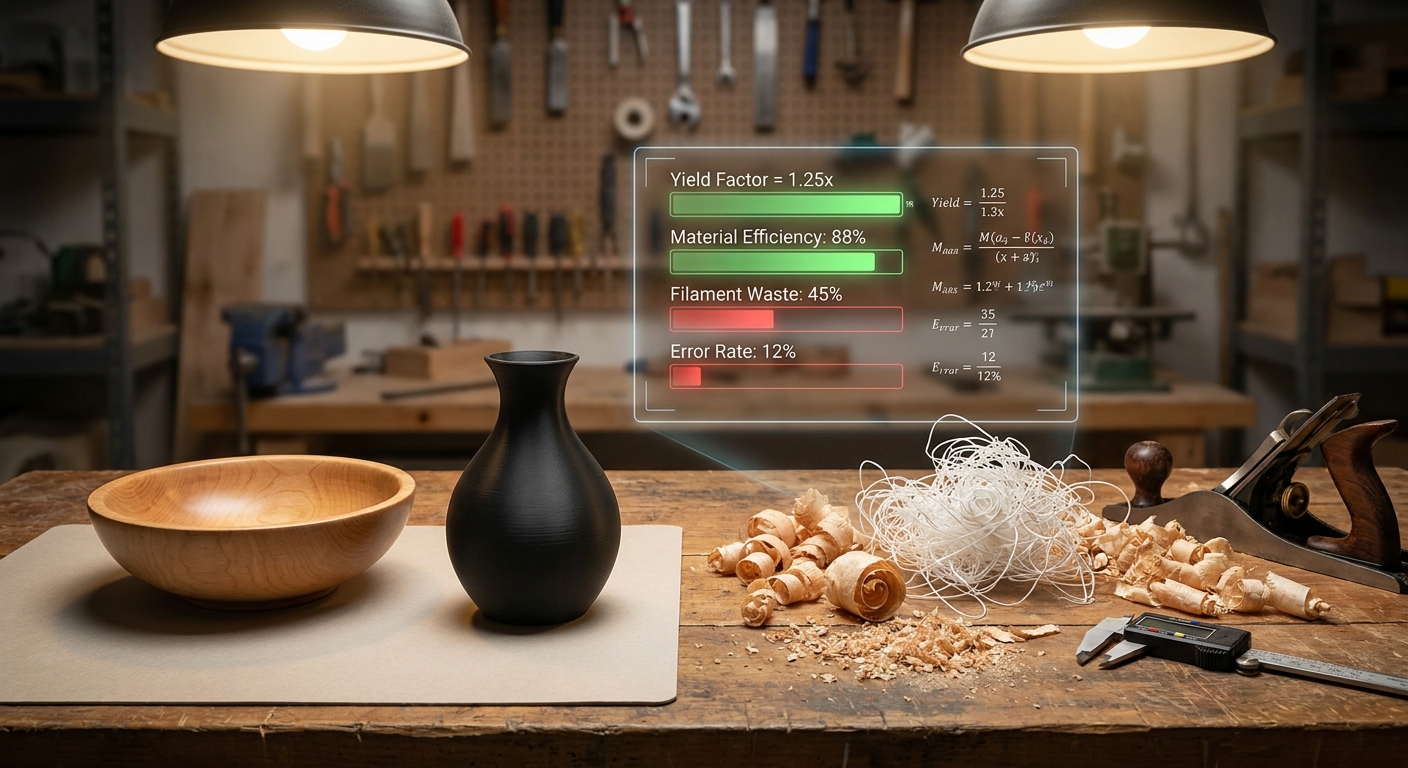
The Waste-Adjusted Markup: Why Your Pricing Strategy Needs a "Spaghetti" Buffer
We’ve all been there.
You walk into the studio on a Tuesday morning, coffee in hand, ready to harvest a 20-hour 3D print, only to find a bird’s nest of plastic "spaghetti" on the build plate. Or you’re pouring a batch of candles and realize that 1.5 ounces of high-end fragrance oil is still stuck to the sides of the beaker—oil you paid for but can’t sell.
In the artisan world, we tend to treat waste as an accident. We call it "the cost of learning" or a "bad day at the office."
But if you want to move from being a hobbyist to a profitable manufacturer, you have to stop treating waste as a surprise and start treating it as a line item.
You need a Waste-Adjusted Markup.
The Myth of the 100% Yield
Most makers price their products based on a "perfect world" scenario. They calculate the Cost of Goods Sold (COGS) like this:
- Material A: $2.00
- Material B: $1.50
- Labor: $10.00
- Total: $13.50
- Retail (x4): $54.00
This looks great on a spreadsheet. But the spreadsheet doesn't know about the saw kerf that turned $0.50 of walnut into dust, or the 5% of soap batter that stayed in the mixing bowl.
When you price for 100% yield but only achieve 90% yield, you aren't just losing 10% of your materials—you're losing your entire net profit margin.
Calculating Waste: The "Yield Factor" Formula
To price accurately, you need to calculate your Yield Factor. This is the ratio of material used in the final product versus the material actually consumed to make it.
The Basic Waste Formula:
Actual Material Consumed / Material in Finished Product = Waste Multiplier
Let’s look at how this plays out across different workshops:
1. 3D Printing (The "Spaghetti" Buffer)
If your 100g dragon uses 20g of supports and 5g of purge tower, you didn't use 100g of filament. You used 125g.
- The Math: 125g / 100g = 1.25x Multiplier.
- The Strategy: You should be pricing your filament cost at 1.25x the weight of the final print to account for the unavoidable waste. If your failure rate (spaghetti) is 10%, you bump that multiplier to 1.35x.
2. Woodworking (The "Kerf & Off-cut" Tax)
Every time your blade passes through wood, it turns 1/8th of an inch of expensive lumber into sawdust. Then there are the off-cuts—the 4-inch strips of white oak that are too small for a table but too big to throw away.
- The Math: If you buy 10 board feet but only 8 board feet make it into the final furniture piece, your waste factor is 25% (1.25x).
- The Strategy: Base your material cost on the purchased board feet, not the finished dimensions.
3. Candle & Soap Making (The "Fractional Residue")
Fragrance oils and lye solutions are notorious for residue waste. If you're measuring 1.5oz of oil for a batch, you’re likely losing 0.1oz to the beaker walls and pipette.
- The Math: This might seem small, but over 100 batches, that's 10oz of wasted oil. At $4/oz, that’s $40 gone.
- The Strategy: Use a tool that allows for fractional material deduction. Vercos ERP tracks down to the 0.01g, allowing you to log "Process Waste" as a standard part of your recipe.
How to Build the Waste-Adjusted Markup
Once you know your multiplier, you have two ways to fix your pricing:
- The Input Adjustment: Increase the quantity of raw materials in your BOM (Bill of Materials) to match reality. (e.g., instead of 16oz of wax, your recipe logs 16.5oz to account for bottom-of-the-pot waste).
- The Contingency Percentage: Add a flat "Waste & Failure" percentage to your total COGS before you apply your markup. For high-risk items (like long 3D prints or complex jewelry settings), this should be 15-20%.
Why Spreadsheets Fail at Waste Tracking
Most makers try to track this in Excel. But Excel is static. It doesn't know that your last spool of filament was brittle and caused three failures. It doesn't know that the new batch of cedar has more knots, increasing your off-cut waste.
This is why we built Vercos ERP.
We didn't just build an inventory list; we built a Fractional Deduction Engine.
- Log Failures Instantly: Mark a print as a 'Failure' in Vercos, and it automatically deducts the material while keeping your 'Finished Goods' count correct.
- Automated COGS: Our system factors in your waste history to give you a true cost of goods, so you know exactly what your margin is—not what you wish it was.
- Batch-to-Unit Conversion: For soap makers, we handle the 'loaf-to-bar' math, accounting for the water weight lost during curing so your final cost-per-bar is accurate to the penny.
Stop Guessing. Start Scaling.
Waste is inevitable. Being broke because of it is optional.
If you're tired of "guessing" why your bank account doesn't match your sales volume, it's time to look at your waste. Stop treating your workshop like a hobby and start running it like the high-grade manufacturing floor it is.
Ready to see your real margins? Try Vercos ERP for free and start tracking every gram, every off-cut, and every cent.
TL;DR Summary
- Waste is a measurable line item that must be factored into your pricing to protect net profit margins.
- Calculate your Yield Factor by dividing actual material consumed by the final material weight in the product.
- Adjust your Bill of Materials (BOM) to reflect real-world consumption like saw kerf or chemical residue.
- Use a dedicated ERP tool to automate failure logs and track fractional material usage for precise COGS calculations.